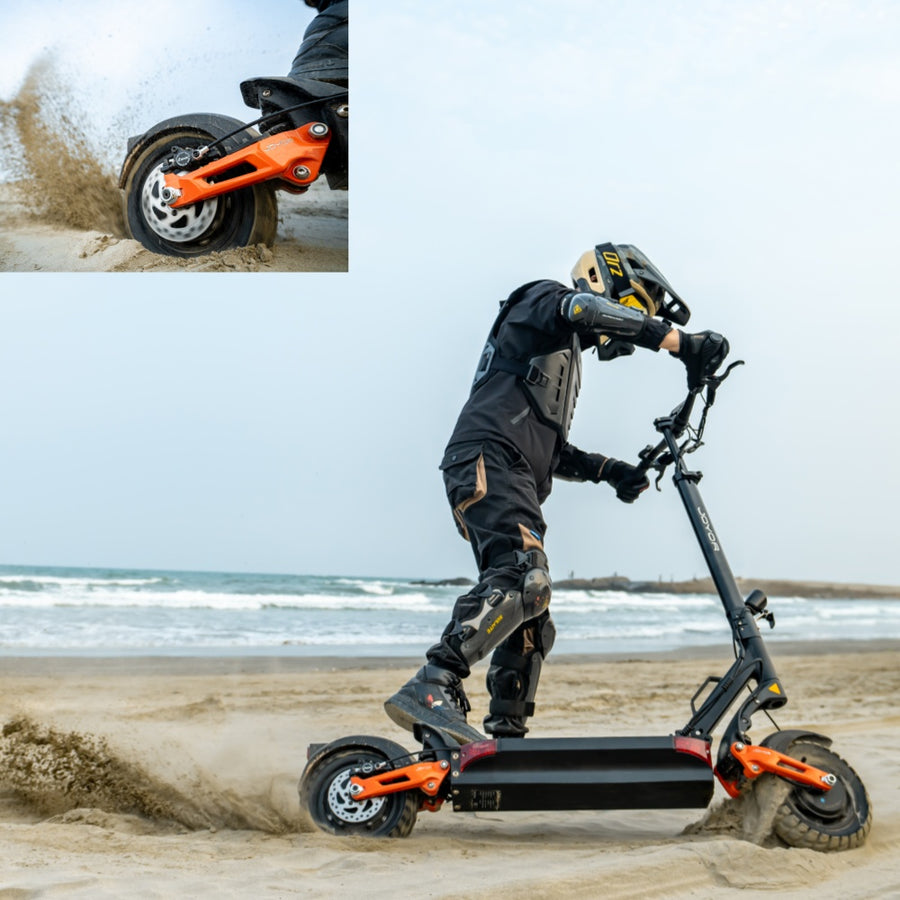



Joyor T10 User Manual & P-Settings Guide: Controller Setup & Display

Joyor T10 Official User Manual: Display P-Settings & Controller Setup
Whether you just unboxed your new Joyor T10 dual-motor electric scooter or need to customize your dashboard performance parameters, having a clear guide to the official manual is essential. Proper controller setup ensures optimal battery life, accurate speed readings, and smooth acceleration.
In this official service guide, we cover the essential Joyor T10 P-settings (Program Settings), passcode configuration, error code meanings, and maintenance protocols.
1. Master Dashboard P-Settings Reference
To access the program menu: Hold the Power and Mode buttons together for 3 seconds. Use the Power button to cycle through parameter numbers, and the Mode button to alter values.
| P-Code | Function Description | Default Factory Value |
|---|---|---|
| P02 | Speed Unit (0: KM/H, 1: MPH) | 0 (KM/H) or 1 (US Market) |
| P03 | System Voltage Level | 48V |
| P04 | Sleep Timer (Minutes) | 5 Mins |
| P09 | Zero Start / Non-Zero Kick Start | 1 (Kick Start for Safety) |
| P11 | E-ABS Brake Force Strength | 1 - 5 (Adjustable) |
| P15 | Motor Controller Power Output (%) | 100% |
2. Display Error Codes & Quick Troubleshooting
If an indicator icon pops up on your LCD screen, refer to these quick diagnostic code steps:
- E-02 (Throttle Warning): Check if the thumb throttle lever springs back cleanly or if the wiring harness plug is loose.
- E-04 (Brake Cutoff Switch): Ensure hydraulic brake levers fully release. Inspect the electronic brake sensor cables under the handlebar.
- E-05 (Undervoltage Protection): Recharge your 48V battery pack fully using the original charger.
3. Official Documentation & Spare Parts Support
📖 Download Full User Manual PDFs
Need the complete multi-language manual (English, German, Spanish, French) for Joyor T10, S10, or S5 series? Visit our centralized manual repository or contact our tech support team for genuine replacement controllers and throttles.
Explore Official Joyor Accessories & Scooters


