

Joyor T10 Electric Scooter: 60V Dual 1000W Motor, 75km Range — Full Specs, Error Codes & Manual
Joyor T10 Electric Scooter (2026 Edition) — Official Technical Support & Diagnostics Guide
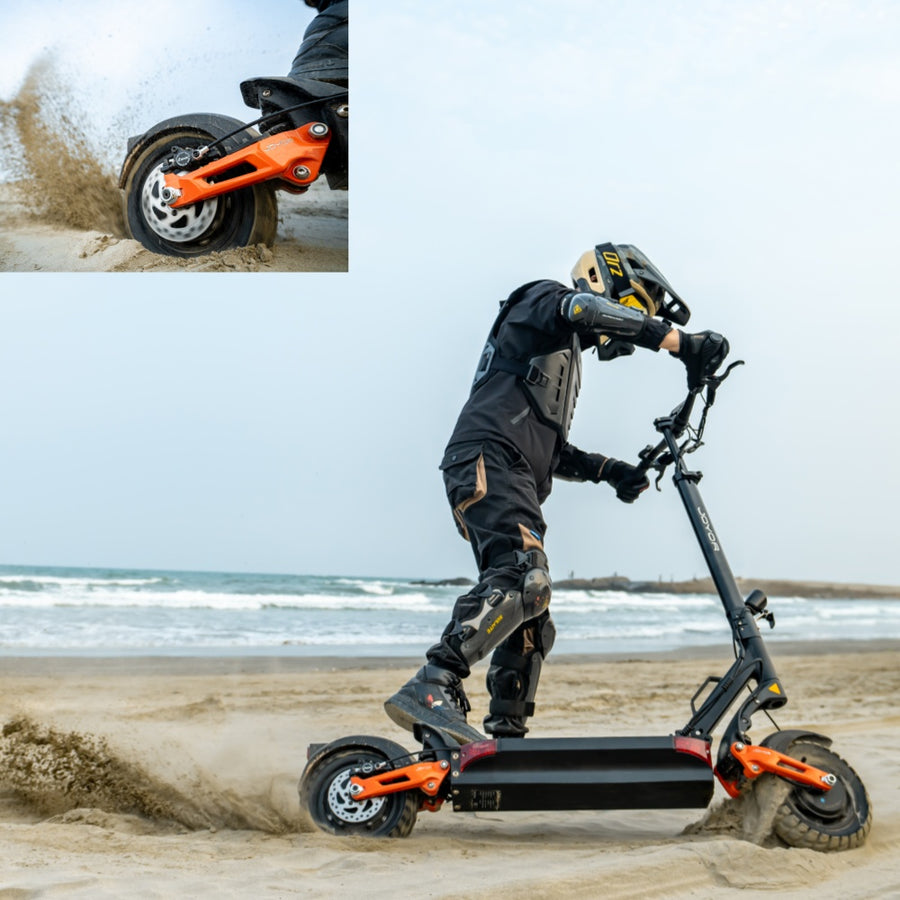
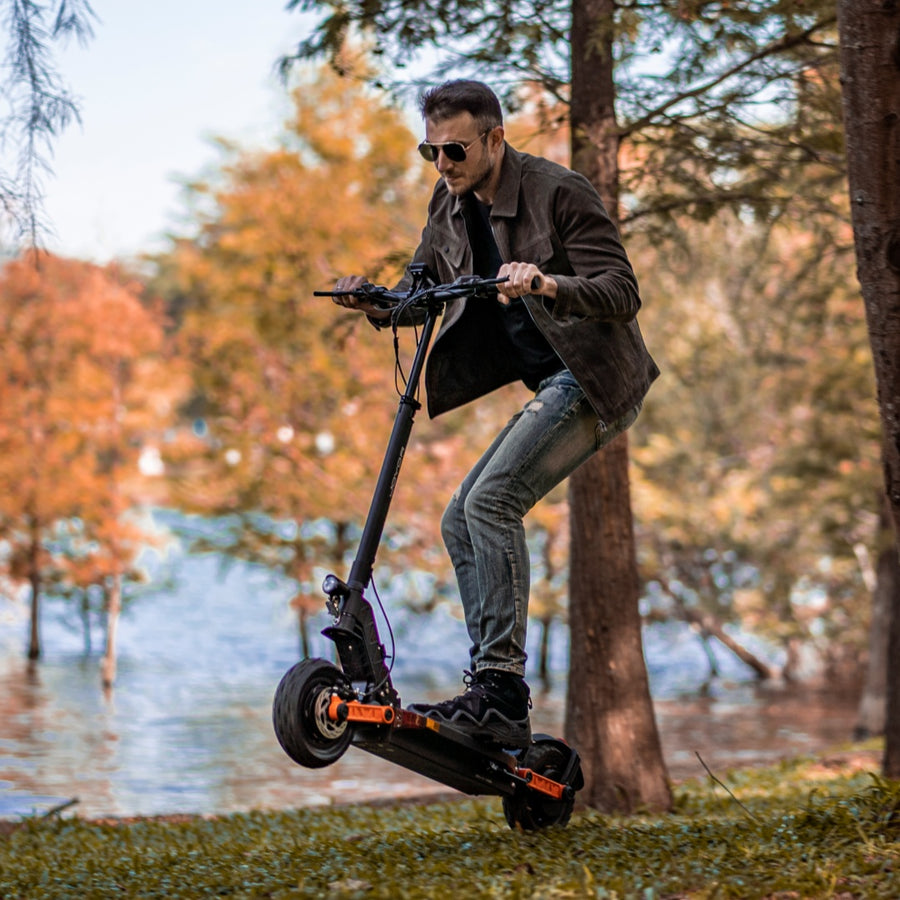
Welcome to the Joyor Official Technical Hub for the Joyor T10 electric scooter. Built as a high-performance all-wheel-drive commuter, the Joyor T10 2026 features a powerful 60V electrical system, dual 1000W high-torque brushless motors with high peak watt output, an advanced dual Joyor T10 controller framework, pneumatic 10-inch reifen (tires), and optional 2026 NFC display security. This guide provides official technical specs, error code troubleshooting, Joyor T10 custom P-Settings tuning, and regional buying options for riders searching for official support, specs, or the direct JOYOR T10 price.
1. Joyor T10 Technical Specifications & Peak Performance
The following specifications apply to the official Joyor T10 dual-motor platform. Highlighting massive acceleration capabilities and top Joyor T10 speed performance across all terrain profiles:
| Parameter | Joyor T10 Specification |
|---|---|
| Motor & Output | Dual Motor (1000W x 2 Nominal, Front & Rear) | High Peak Wattage Output |
| Controller System | Dual-Drive Joyor T10 Controller (60V Smart Vector Control) |
| Battery System | 60V 18Ah Heavy-Duty Lithium Battery Pack |
| Top Speed | Default 25 km/h (Unlocked speed potential varies by region & local regulation) |
| Max Range | Up to 75 km (Depending on load, terrain, and riding mode) |
| Tire Type & Size (Reifen) | 10-inch Pneumatic Air Tires (Heavy-Duty Off-Road / Street Tread) |
| Brake System | Front & Rear Hydraulic Disc Brakes + Electronic Regenerative Braking |
| Display & Ignition | Multicolor LCD Display (Optional 2026 NFC Card Lock System) |
| Suspension | Dual Hydraulic Front & Rear Shock Absorbers |
| Recommended Pressure | 3.5 Bar (50 PSI) |
| Max Load Capacity | 120 kg (265 lbs) |
🛒 Looking for Official JOYOR T10 Price & Regional Availability?
Skip third-party marketplaces like Amazon or eBay to receive authentic factory warranty, local customer support, and direct price guarantees. Select your region below:
2. Platform Comparison: Joyor T10 vs S10SZ / S10-S
Riders often compare the Joyor T10 vs S10SZ (and S10-S series). While both feature high-power dual-motor setups, the T10 platform integrates key architectural differences:
- System Voltage: The Joyor T10 operates on a native 60V electrical system delivering superior peak watt efficiency, whereas standard S-series models typically run on 52V architectures.
- Braking & Handling: The T10 comes factory-fitted with full hydraulic disc brakes and long-travel dual hydraulic shock absorbers for improved high-speed stability.
- Display & Security: Updated Joyor T10 2026 NFC models feature tap-to-unlock security protocols and refined custom controller parameter adjustments via the display.
3. Official Joyor T10 User Manual Download
📥 Download Official User Manual (PDF)
Access complete assembly diagrams, display operations, maintenance routines, and official warranty guidelines directly from the factory manual.
4. Joyor T10 Controller & LCD Error Code Troubleshooting
The T10 utilizes a dual Joyor T10 controller system (front and rear). Because both wheel hubs are powered, self-diagnostic codes range from E-01 through E-18. If an error appears on your multicolor LCD or NFC screen, consult the diagnostic guide below:
| Code | Description | System | Troubleshooting & Solution |
|---|---|---|---|
| E-01 | Rear Motor Hall Fault | Rear Motor | Check rear motor hall wire harness for loose connections, water ingress, or bent pins. |
| E-02 | Throttle Fault | Throttle | Verify throttle returns smoothly. Inspect handlebar throttle wiring connector. |
| E-03 | Rear Controller Fault | Rear Controller | Inspect rear controller connections inside deck. Allow to cool down if overheated. |
| E-04 | Brake Sensor Fault | Brake System | Check if hydraulic brake levers are stuck or if brake cut-off switches are engaged. |
| E-05 | Controller Undervoltage Protection | Battery / Controller | Charge battery immediately. Verify P03 parameter is set to 60V in custom P-Settings to prevent false triggers. |
| E-06 | Display ➔ Controller Comm. Fault | Wiring Harness | Inspect main signal cable inside folding stem. Ensure harness plugs are firmly connected. |
| E-07 | Controller ➔ Display Comm. Fault | Wiring Harness | Check communication line pins between the main controller and handlebar display. |
| E-08 | Rear Motor Stall Protection | Rear Motor | Clear mechanical blockages or jammed debris around the rear wheel hub. |
| E-09 | High Temperature Protection | System Overheat | Park scooter in shade and allow controllers and motors to cool down for 30 minutes. |
| E-11 | Front Motor Hall Fault | Front Motor | Inspect front motor hub cable connector for damage, water ingress, or loose pins. |
| E-13 | Front Controller Fault | Front Controller | Check front drive controller connections and harness plugs inside the battery tray. |
| E-18 | Front Motor Stall Protection | Front Motor | Check front wheel for caught objects or binding brake pads. Spin wheel freely by hand. |
5. Joyor T10 Custom P-Settings Parameter Table
Fine-tune acceleration, speed units, wheel diameter, and system voltage using the Joyor T10 custom dashboard menu. Hold SET (⚙️) and ▶ together for 2 seconds to enter P-Settings:
| P-Code | Default | T10 Correct | Description & Tuning Function |
|---|---|---|---|
| P02 | 1 | 0 or 1 | Speed Unit: (0) km/h, (1) mph |
| P03 | 48 | 60 | System Voltage: Must be set to 60 for T10 (Crucial to prevent false E-05 errors!) |
| P04 | 5 | 1–60 | Auto Off / Sleep Time in minutes (0 = always on) |
| P06 | 10.0 | 10.0 | Wheel Diameter (Inches). Controls speedometer precision for 10" reifen / tires. |
| P07 | 30 | 30 | Motor Magnet Pole Count |
| P09 | 1 | 0 or 1 | Start Mode: (0) Zero Start (Instant throttle), (1) Kick/Soft Start (Safety push) |
| P12 | 5 | 1–5 | Start Torque / Acceleration Punch: 1 (Gentle) to 5 (Max Peak Power) |
| P15 | 100 | 1–100 | Speed Limit Percentage (100% unlocks full potential speed) |
| P16 | 0 | 0 or 1 | Cruise Control: (0) Disabled, (1) Enabled |
| P99 | — | — | Factory Reset: Long press SET (⚙️) for 5s. (Re-check P03=60 after reset!) |
6. Battery Care & Tire (Reifen) Maintenance
- Tire Pressure (Reifen Luftdruck): Maintain pneumatic 10-inch tires at 3.5 bar (50 PSI). Proper inflation prevents pinch flats, improves range, and ensures full top-speed efficiency.
- Charging Protocol: Always use the official 60V charger. Plug charger into wall outlet first, then into scooter port. Do not leave charging unattended overnight.
- Long-term Storage: Charge to 60–80% every 30 days if stored. Do not expose scooter battery to temperatures below −5°C or direct solar heat.
7. Frequently Asked Questions & Direct Price Info
Q1: What is the current JOYOR T10 price?
The JOYOR T10 price varies slightly by region, local import taxes, and shipping options. Purchasing directly from official Joyor webstores guarantees direct-from-factory pricing, full international warranty, and fast local warehouse dispatch without middleman markups found on third-party channels like Amazon.
Q2: Should I buy the Joyor T10 on Amazon or the Official Store?
While some third-party sellers list the joyor t10 on amazon, buying through the official regional Joyor store ensures you receive genuine 2026 NFC edition models, updated 60V controllers, factory-backed hydraulic brake warranties, and dedicated spare parts support.
Q3: How do I unlock the maximum Joyor T10 speed?
To access full speed capability where legal, ensure P15 in custom settings is set to 100%, riding mode is set to Gear 3, and dual-motor mode (TURBO/DUAL) is toggled on your handlebar switch.
8. Official Joyor Support & Store Links
Ready to purchase your scooter or order genuine spare parts (controllers, displays, hydraulic brake pads, or 10-inch tires/reifen)? Click below to access your regional webstore:
Disclaimer: Technical specifications, diagnostic codes, and P-Settings parameters are referenced from official Joyor technical publications. Always adhere to local traffic laws and wear protective gear when riding.